
Use an external AI assistant, then return to listening
Use an external AI assistant to explain a short subtitle passage, then return to Centum for listening, sentence loops and recording practice.
Choose one shareable line
Start with a line whose meaning or grammar is unclear. If you use an external AI assistant, share only a short passage you have the right to share. Keep private conversations, recordings and sensitive material out of the request.
Centum’s local playback and practice do not automatically upload your film to an AI service. An external assistant has its own data-handling rules.
Ask for a specific explanation
Briefly describe the scene in your own words before asking about the line. Ask what a phrase means in this scene, which words carry the main information, or how to use the expression in a different situation. A specific question is easier to check than a request to explain an entire film.
You can ask for a short explanation and two original sentences. Compare the answer with the subtitles, scene and any dictionary you use. An assistant’s confident wording does not itself establish that it understood the scene.
Check the sound yourself
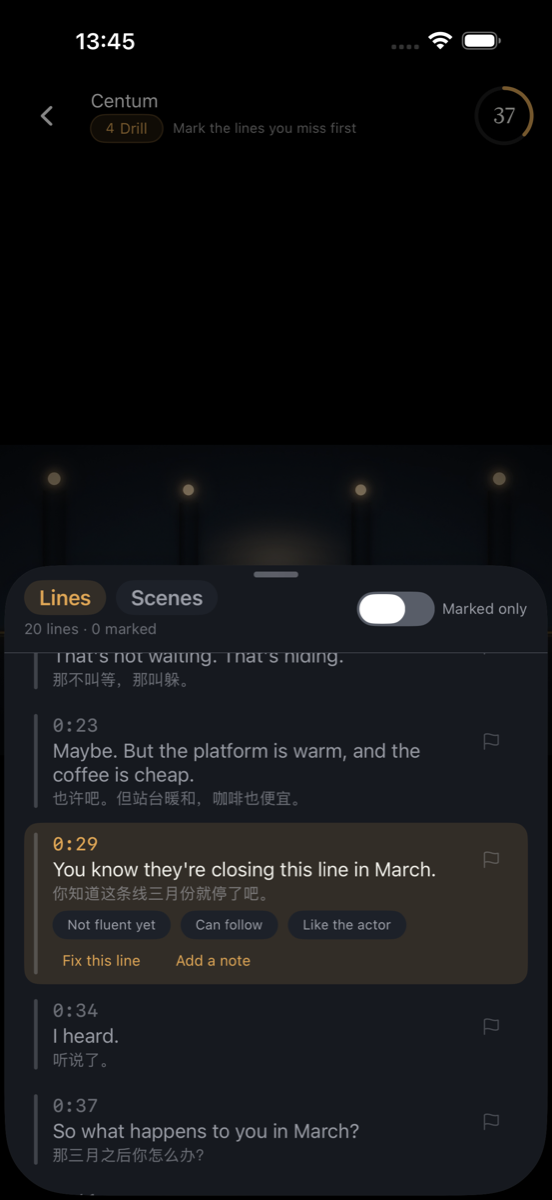
Return to Centum and listen to the line before reading the explanation again. Identify the words you can now hear. Loop the section and record your own attempt when useful.
A response based only on subtitle text does not know whether you actually heard a sound or how you pronounced it. Your listening and recording checks provide that part of the practice.
Keep a note that leads back to context
Save a concise note about the expression and why it fits the scene. The useful result is a reminder you can return to, not a collection of long generated answers.
Later, recall the expression without the explanation and make a sentence of your own. AI assistance can be one step in a routine whose other steps are listening, speaking and checking meaning in context.